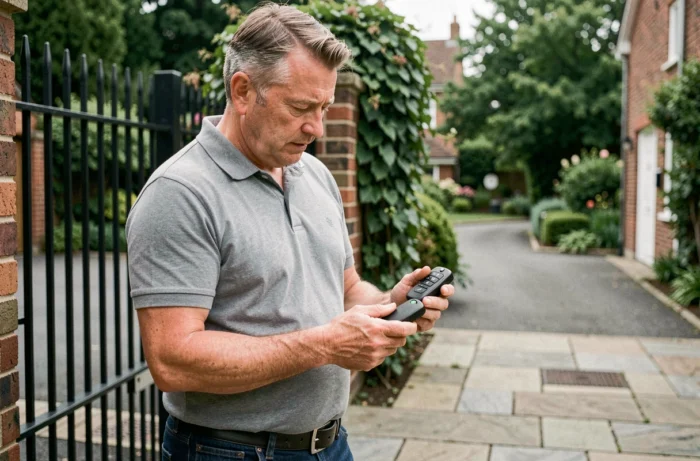
The duplication of a gate remote control through self-learning relies on a transfer of radio code between two compatible transmitters. Before bringing the two units close together, it is essential to accurately identify the protocol used by the motorization receiver; otherwise, the procedure will fail without an actionable error message.
Fixed code, rolling code, and rolling code: what the receiver really accepts
Every cloning attempt begins with a technical question that most guides overlook: does the receiver operate on fixed code or rolling code? A fixed code transmitter always sends the same radio frame. Duplicating it means copying a static sequence, which remains simple with any compatible universal remote control.
The rolling code changes the frame with each press. The receiver and transmitter share a synchronization algorithm. Copying the frame at a specific moment is pointless, as the receiver is already waiting for the next frame. To program a gate remote control with another in rolling code, you must go through the self-learning mode of the receiver, not through simple face-to-face cloning.
We recommend checking the exact reference of the receiver on the electronic board of the motorization. The label usually mentions the type of coding and frequency (most often 433.92 MHz or 868 MHz). Without this information, buying a universal remote control is like playing blind.
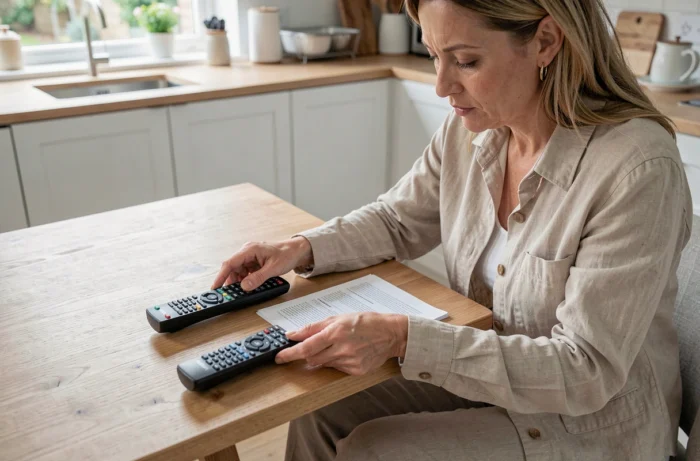
Self-learning duplication procedure on the receiver
In rolling code, the only reliable method goes through the receiver itself. The original remote does not “give” its code to the new one: it is the receiver that registers a new transmitter in its memory.
Here is the typical sequence, common to most motorizations:
- Open the motorization housing to access the electronic board. Locate the learning button, often identified by the label “RF-Learn” or “PROG”.
- Press this button until an LED indicator lights up or blinks, indicating that the receiver has entered memory mode.
- In the seconds that follow (the window rarely exceeds ten seconds), press the desired button on the new remote control. The LED indicator blinks twice or changes state to confirm the registration.
- Immediately test the opening and closing of the gate with the new transmitter before closing the housing.
The receiver registers each transmitter individually. Adding a remote control does not delete the previous ones unless the memory is intentionally reset. On some boards, holding the PROG button for more than ten seconds erases all registered transmitters. Caution.
Face-to-face cloning: technical limits and use cases
Face-to-face cloning only works with fixed code transmitters. The new remote control (often sold as “universal”) captures the radio frame emitted by the old one and reproduces it exactly.
The procedure varies depending on the manufacturer of the universal remote control, but the principle remains the same: place the two units a few centimeters apart, activate a reception mode on the new one, then press the button on the old one. An LED confirms the copy.
This cloning has three concrete limitations:
- It is incompatible with rolling code protocols. No universal remote can reproduce a dynamic synchronization algorithm through simple radio copying.
- The frequency of the universal transmitter must match exactly that of the receiver. A 433 MHz transmitter will never communicate with a 868 MHz receiver.
- Some manufacturers (notably high-end motorization brands) use encrypted proprietary protocols that block any duplication, even in fixed code.
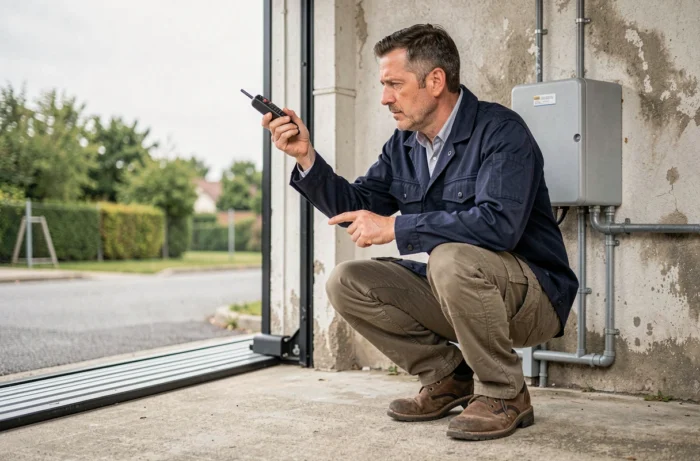
Motorization warranty and intervention in co-ownership
Any intervention on the motor board may compromise the warranty of the motorization. Manufacturers clearly distinguish between adding a transmitter via the learning button (documented user operation) and wiring a third-party module in the housing (technical intervention that engages the responsibility of the installer).
Wi-Fi relay modules that are wired directly to the electronic board turn the smartphone into a remote control. Convenient, but this modification of the original circuit falls outside the manufacturer’s warranty in most contracts.
In co-ownership, the motorization of the gate is common equipment. Adding an additional transmitter or modifying the receiver generally requires the agreement of the property manager. We observe that many co-owners add remote controls without reporting, which raises a traceability issue: in case of malfunction, it is impossible to know how many transmitters are registered in the memory of the receiver.
The safest solution remains to go through the learning button of the receiver without touching the wiring. This operation, provided by the manufacturer, does not affect the receiver, the warranty, or the existing wiring.
One last often overlooked point: remember to note the total number of registered transmitters. The memory of the receiver has a finite capacity, and saturating this memory will prevent any new pairing without a complete reset.